THS AutoSampler application icon
THS AUTO SAMPLER
INSTRUMENT CAPTURE STUDIO
Meet the instrument behind the sound

Your instrument.
Every nuance.

The softest touch. The fullest chord. The final breath of a reverb tail. THS AutoSampler turns the instruments you love into carefully captured WAV libraries — with intelligent mapping, expressive MIDI control and verified audio integrity.

SMART LEARNTRUE RAW FLOAT32VELOCITY + RRMIDI KEYSWITCH
Release version: see THS App Manager
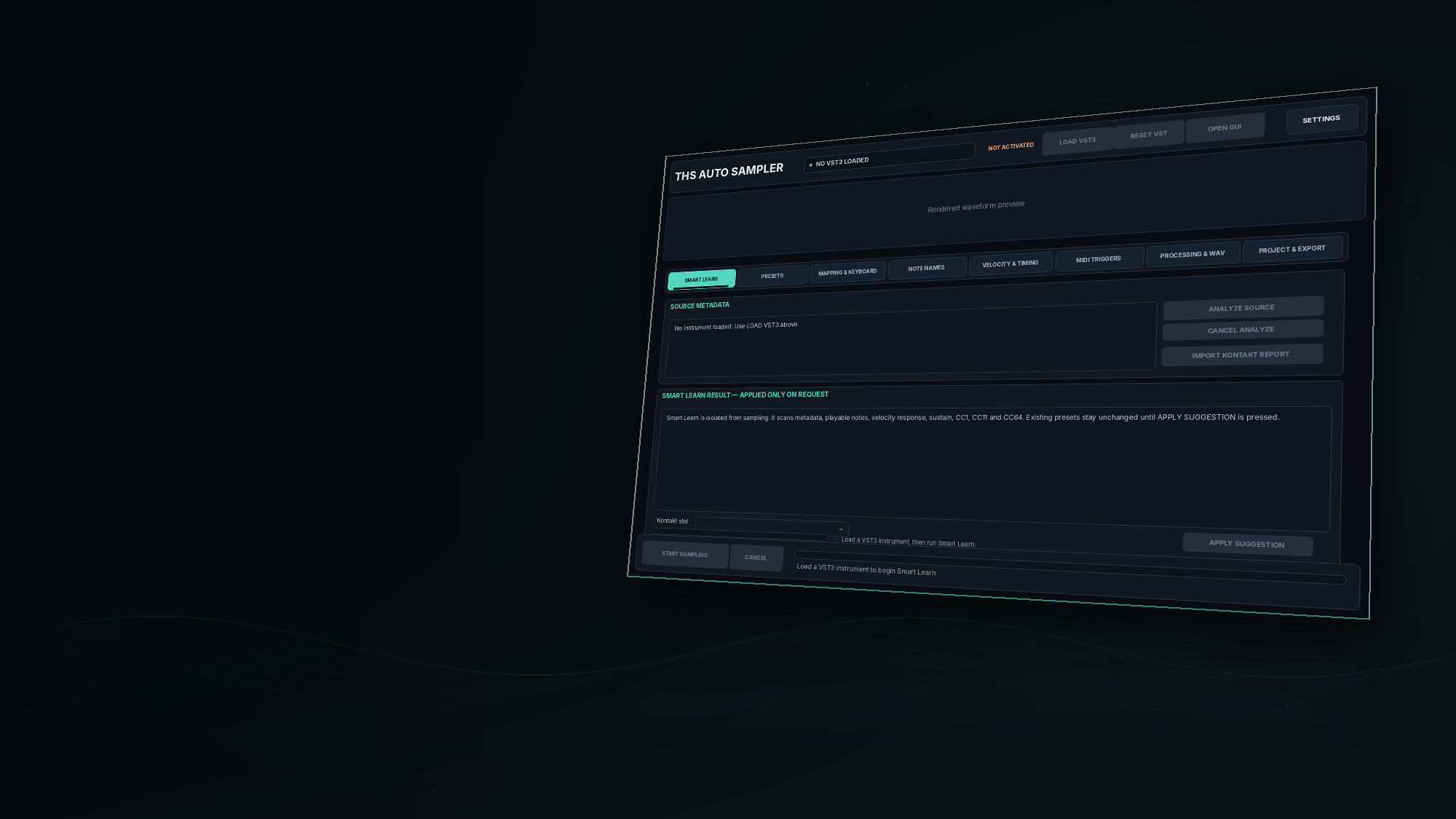
THS AutoSampler Smart Learn screen presented as a premium right-aligned product asset
Temporary source-based GUI asset applied to the website code.
32-bit floatVerified True RAW WAV export
Up to 16Velocity layers per mapping
Up to 16Round-robin takes per note
MIDI articulationsHold · Momentary · Latch · Chords
01 / SMART LEARN

Great sampling begins with understanding.

Every instrument responds differently. Instead of guessing its range, velocity or sustain behavior, let Smart Learn listen first.

It probes the loaded instrument, then offers a suggested mapping you can review before you choose to apply it.

✓Explore playable notes, velocity response and MIDI controls including CC1, CC11 and CC64.
✓Review note range, sustain, tail and source preset suggestions — nothing is applied without your approval.
✓Optional Kontakt Smart Bridge imports rack/zone details for compatible setups.
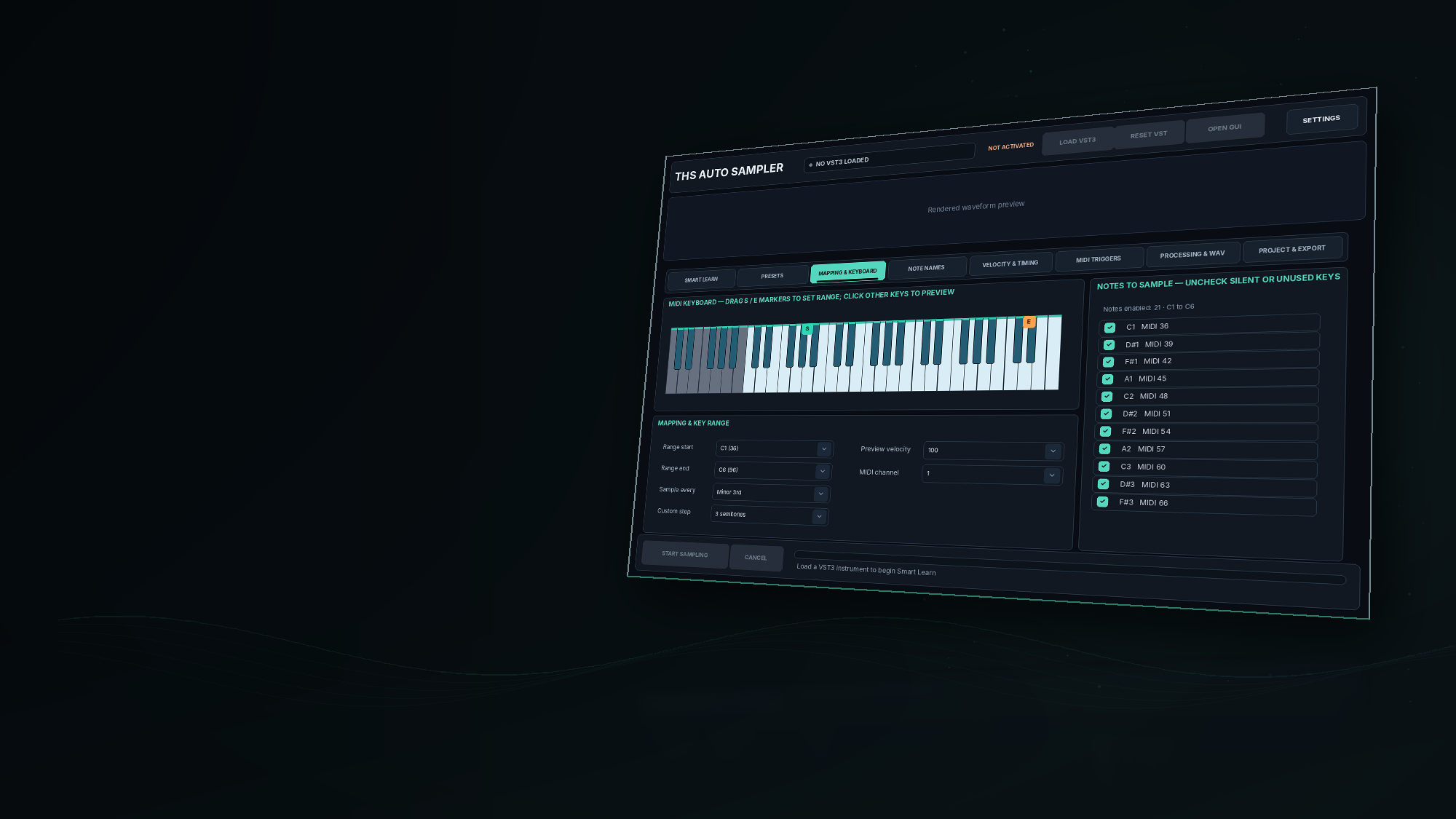
THS AutoSampler Mapping and Keyboard screen in a premium angled right-aligned asset
Temporary source-based GUI asset for the Mapping & Keyboard section.
02 / TRUE RAW INTEGRITY

A whisper should stay a whisper.

Some sampling workflows make quiet notes as loud as strong notes. The result may be louder, but the instrument feels less alive.

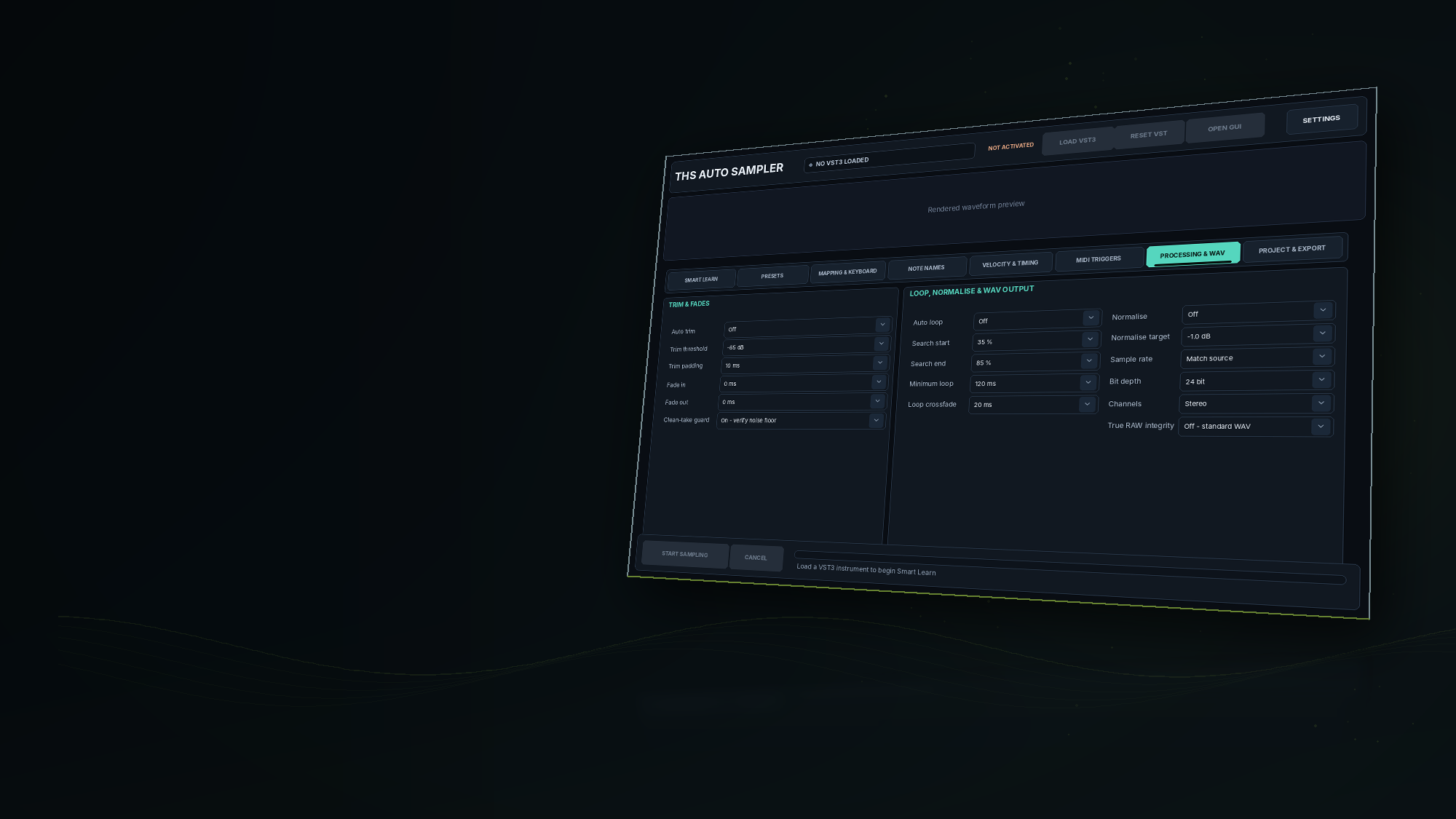
With True RAW mode, AutoSampler preserves the floating-point audio captured from the instrument: no export normalization, resampling, trimming, fading, downmixing or destructive loop treatment. It then reads the WAV back and checks the samples for integrity.

✓IEEE Float32 WAV at the host capture sample rate, with sample-data verification.
✓Peak, RMS, clipping and invalid-sample checks — with a per-WAV integrity report.
✓Preserves the level and tone that the source actually produces, including its own effects and noise.

THS AutoSampler Processing and WAV screen in a premium angled right-aligned asset
Temporary source-based GUI asset for the True RAW / Processing section.
03 / EXPRESSIVE CAPTURE

A real instrument is more than a single note.

Playing the same key softly, aggressively, with pedal, or in a different articulation can create a completely different performance. Build the mapping that reflects those differences.

01 / ARTICULATION CONTROL

Give every articulation its place.

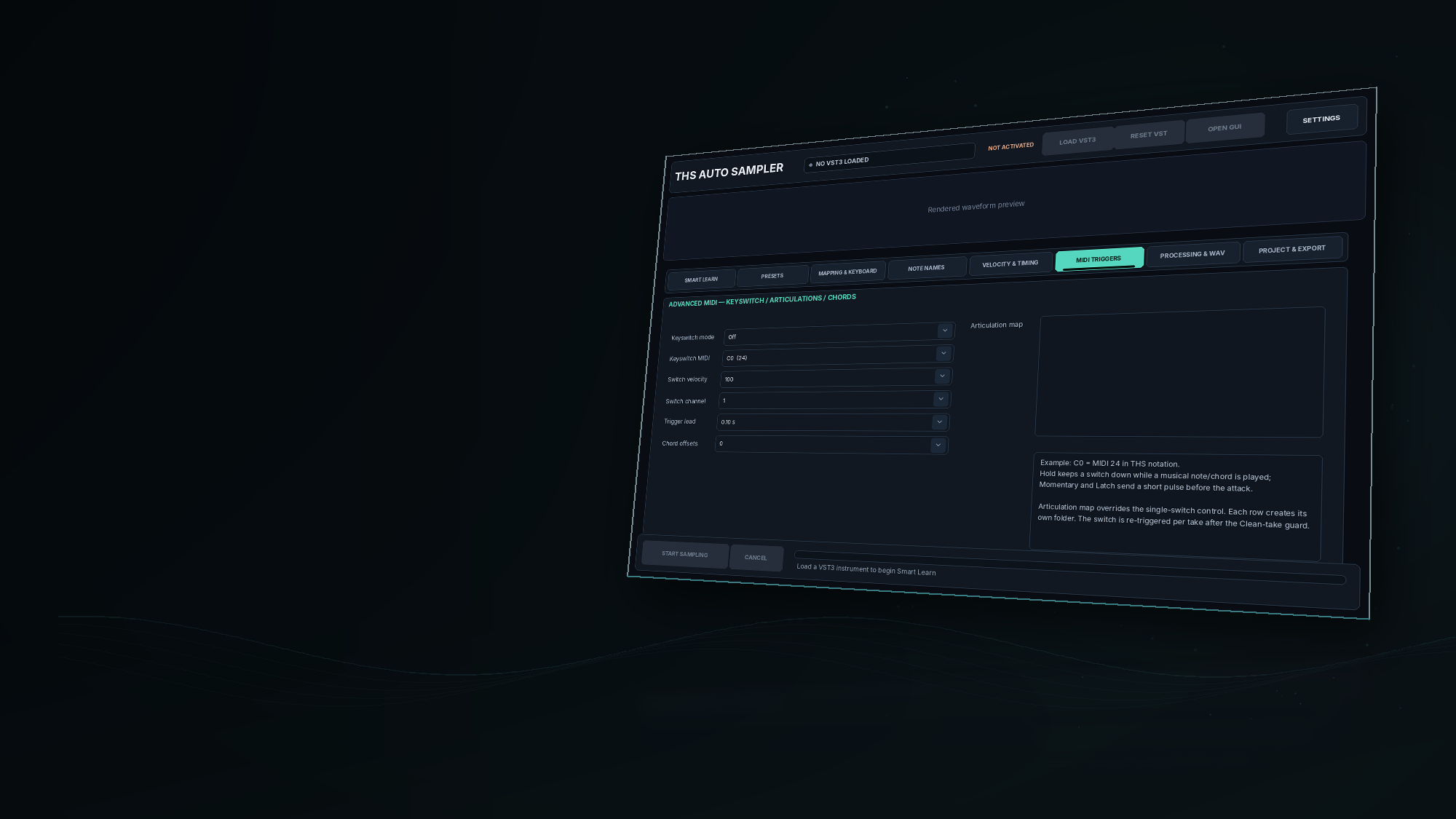
Trigger Momentary, Hold or Latch keyswitches. Combine multiple switch notes, capture MIDI chords, and organize up to 16 articulation groups into separate folders.

HOLD IS APPLIED PER TAKE · NOT CONTINUOUS ACROSS THE BATCH

C0 · 024HOLD
C#0 · 025LATCH
D0 · 026MOMENTARY
0,4,7CHORD
THS AutoSampler MIDI Triggers screen in a premium angled right-aligned asset
Temporary source-based GUI asset for the MIDI Triggers section.
02 / DYNAMICS

Capture the human touch.

Choose velocity layers and curves, including learned velocity points. Inspect loudness responses instead of flattening the instrument's dynamics.

CUSTOM VELOCITY LAYERS
03 / VARIATION

Make repetition feel less repetitive.

Record round-robin takes, then use waveform similarity and fingerprint reports to flag suspiciously identical recordings for review.

ROUND-ROBIN AUDIT
04 / REAL-WORLD PLAYING

Pedal down. Expression up.

Sample pedal-on and pedal-off variations, note lengths and release tails. Designed for piano, orchestral and other expressive sound sources.

CC64 / PEDAL VARIANTS
05 / ORGANIZATION

A library, not a pile of files.

Choose note ranges, spacing, note names, a manual note checklist and filename templates. Export into structured project and note folders.

PROJECT / NOTE / ARTICULATION
04 / CAPTURE WITH CARE

The decay is part of the music.

A cymbal tail, a piano release, a lingering room response. AutoSampler analyzes the noise floor and settling between takes to help prevent one sound from bleeding into the next.

Its clean-take guard can reject uncertain captures instead of silently presenting a shortened tail as a complete result. No automatic denoising or EQ is added to the RAW signal.

✓Float32 readback plus peak and RMS verification for every exported WAV.
✓Velocity, similarity and possible duplicate-take diagnostics for expressive capture.
✓Noise-floor measurements, settling decisions and tail stop reasons for each session.
THS AutoSampler Processing and WAV screen used as an asset for capture integrity
Temporary source-based GUI asset used for the Capture Care section.
05 / YOUR WORKFLOW

From a sound you love to a library you can explore.

Less repetitive setup. More time spent on the detail that matters: what your instrument actually sounds like.

01

Load

Open a compatible VST3 or AU instrument source.

02

Discover

Let Smart Learn probe the instrument, then review its suggestions.

03

Design

Choose notes, velocity layers, round robins, pedal and articulations.

04

Capture

Record each take with controlled MIDI timing and tail handling.

05

Keep

Export organized WAV files and inspect diagnostic reports.

COMMON QUESTIONS

Everything you need to know.

Clear answers before you start sampling.

Is AutoSampler an instrument, or a tool for creating sample libraries?

It is a capture tool. It hosts compatible instrument plugins, sends MIDI, records their audio output and exports organized WAV files. It is not a replacement for a sampler playback instrument.

Does True RAW remove the reverb or noise inside my source instrument?

No. True RAW bypasses AutoSampler's export processing. Whatever the source instrument outputs — including its own reverb, modulation, saturation or noise — is preserved. Disable unwanted effects in the source instrument before capture.

Will velocity 24 be quieter than velocity 127?

If the source instrument actually produces a lower level at velocity 24, True RAW keeps that difference instead of normalizing the WAV files independently. Some instruments intentionally have little or no volume response to velocity; reports help you inspect this.

Can it hold C0 while other notes are captured?

Yes, Hold mode sends the keyswitch ahead of the musical note and keeps it active through that note or chord. It is released and re-triggered for each subsequent take; continuous uninterrupted Hold across an entire batch is not included.

Does Smart Learn automatically discover every scripted articulation?

Not necessarily. It can probe audio/MIDI response and inspect exposed metadata. Hidden scripts, some random/round-robin logic and proprietary Kontakt behaviors may require manual review or the optional Kontakt Smart Bridge.

What systems and plugins does it support?

The source application targets Windows and macOS, with Standalone and VST3 builds. It hosts VST3 instruments; AU source hosting applies on macOS. Exact availability of downloadable releases and third-party plugin compatibility should be checked in THS App Manager.

How are purchase, download and activation handled?

The website's existing cart and secure checkout handle the purchase. Following a verified order and entitlement assignment, use THS App Manager to install or sync and activate the AutoSampler product. Prices and availability come from the THS server, not this page.

BUILD THE LIBRARY YOU IMAGINED

Don't lose what makes
your instrument yours.

From a delicate piano attack to layered drum dynamics and expressive strings, create organized captures that keep their character. Start with the sound — and let AutoSampler help preserve the performance.

THS AutoSampler

Intelligent instrument capture
Smart Learn & preset mappingVerified True RAW Float32 WAVVelocity, RR, MIDI keyswitch & chordsCapture integrity & noise reportsActivation via THS App Manager
View your cart
Official price from THS server · Checkout in IDR · Digital entitlement after verified payment