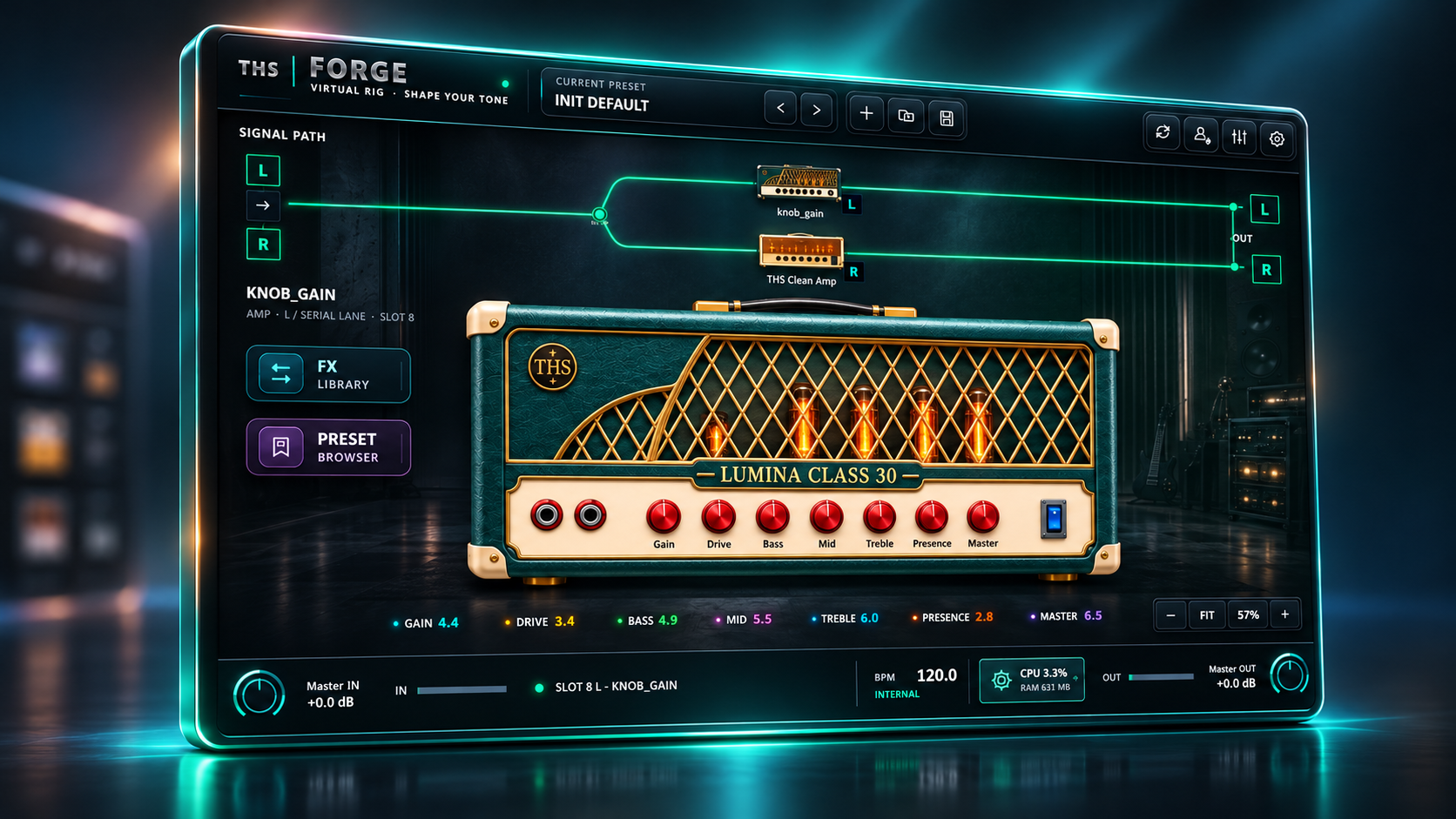
Forge Host
Your complete tone workspace.
Combine amps, pedals, NAM captures and cabinet IRs in a flexible guitar rig.
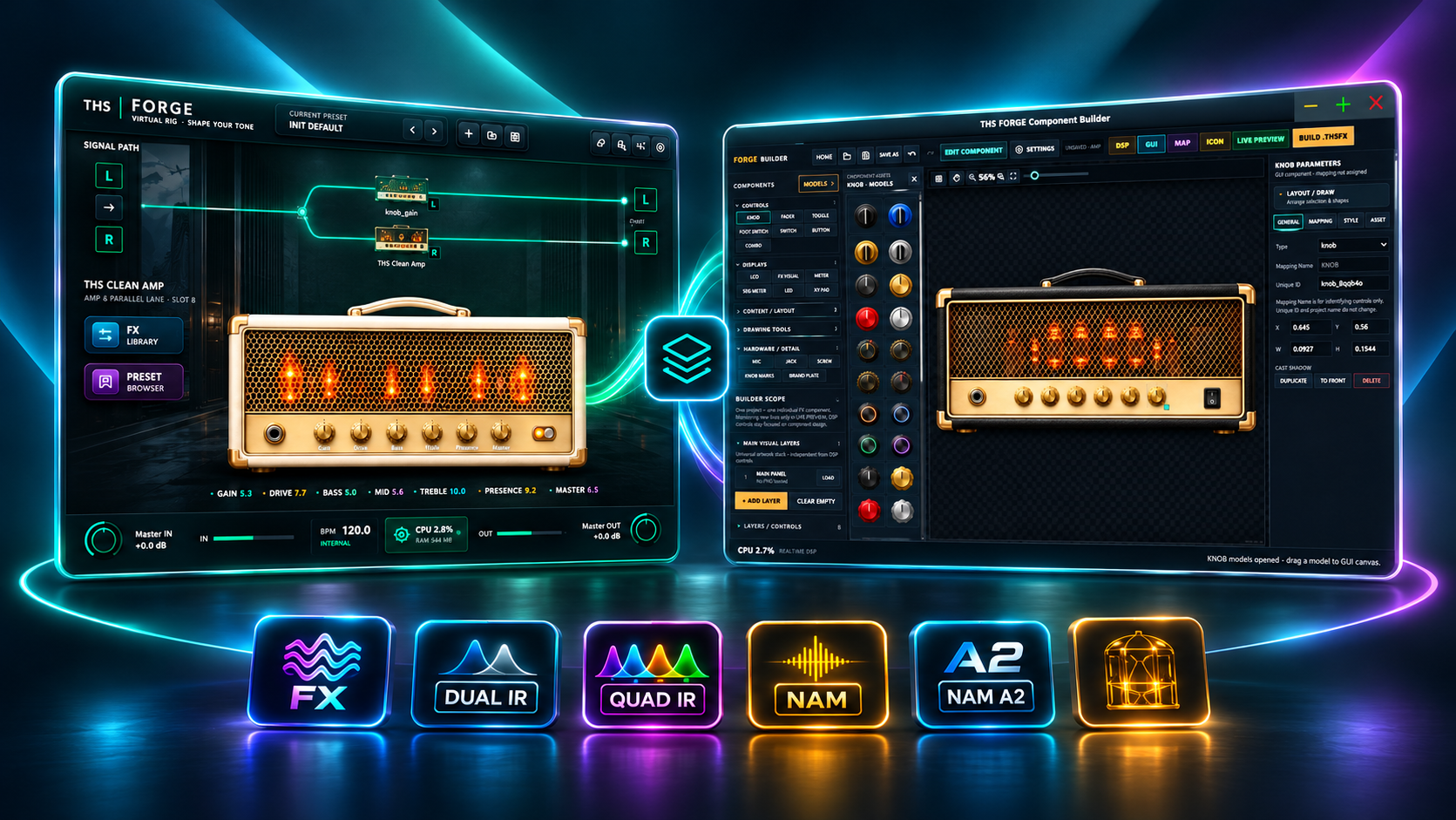
Discover inspiring amp and pedal sounds, build your own effects, and give every component a look that feels like yours. One Forge purchase includes both the Host and Component Builder.
Combine amps, pedals, NAM captures and cabinet IRs in a flexible guitar rig.
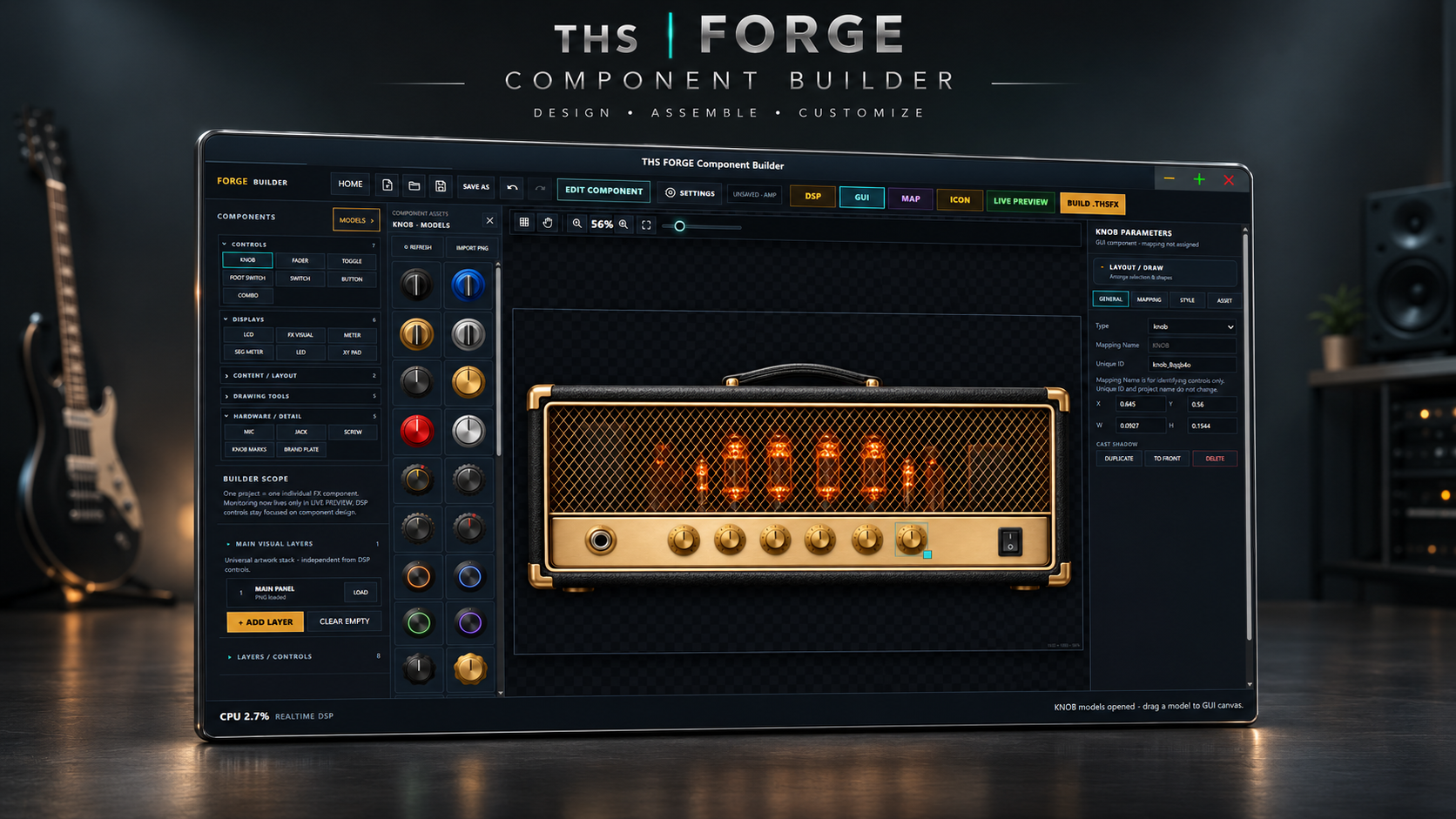
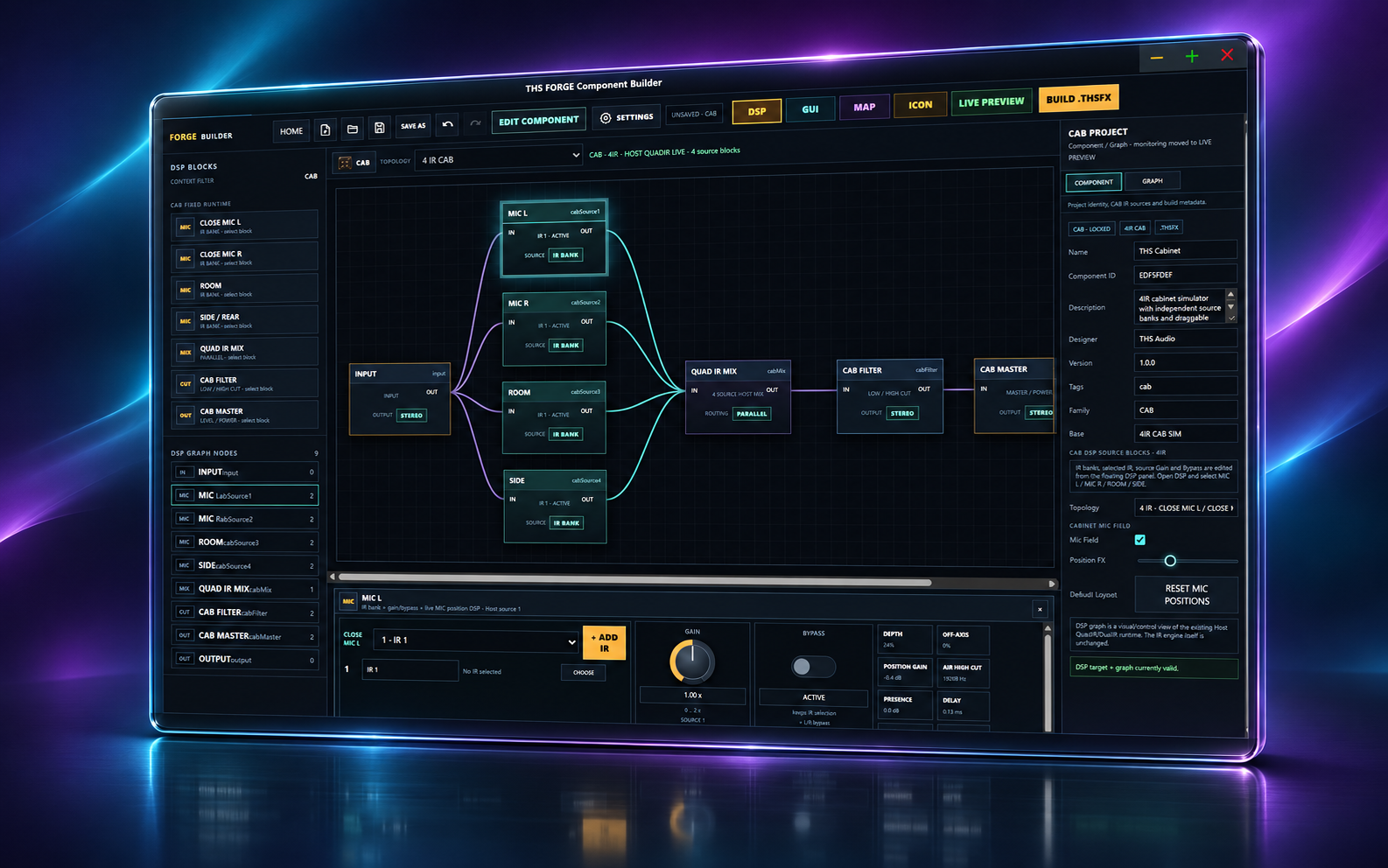
Build your own amps, effects and cabinet tones, with a unique visual design.
Create an effect in Builder, load it into Host, and make it part of your guitar sound.
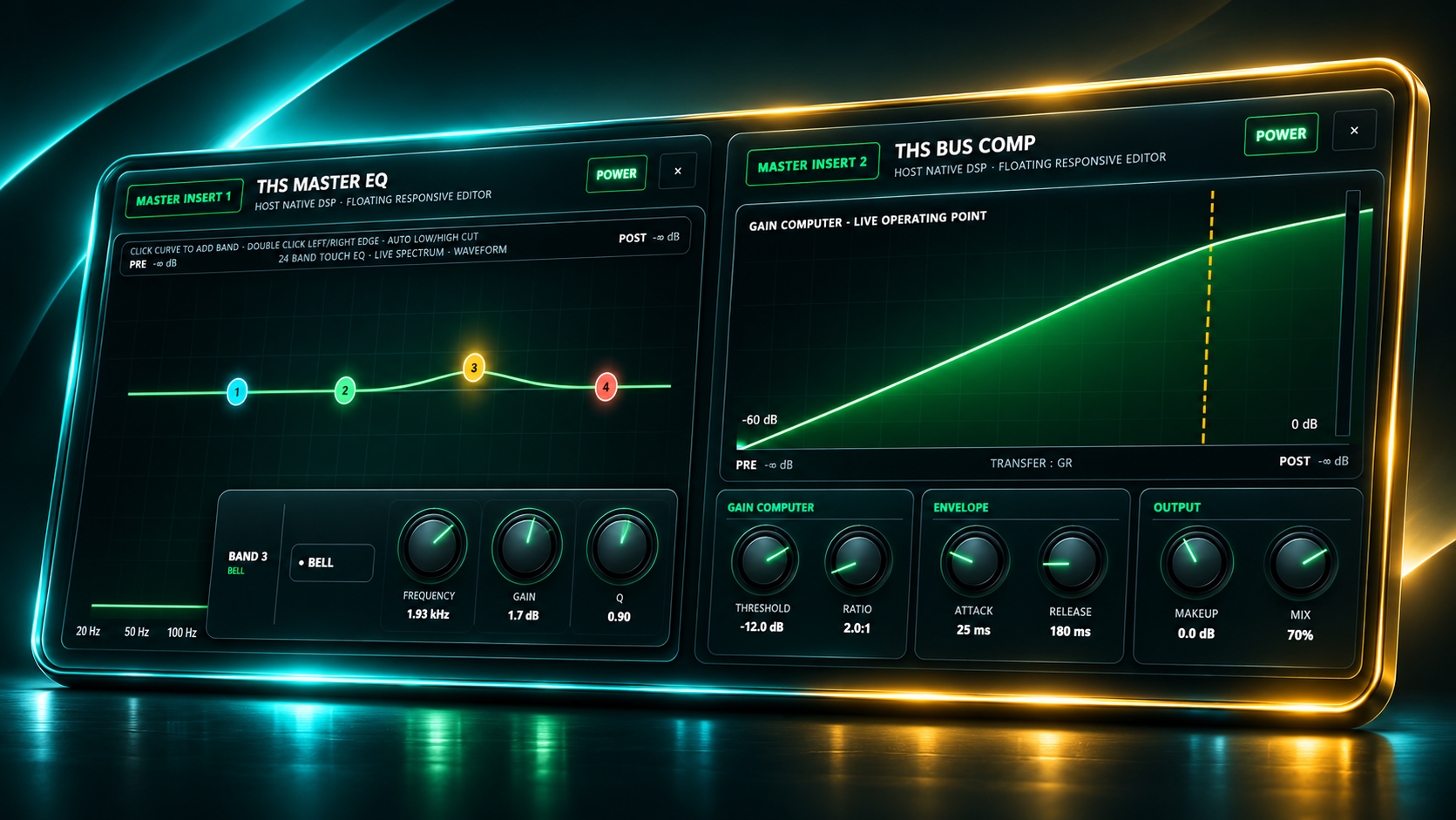
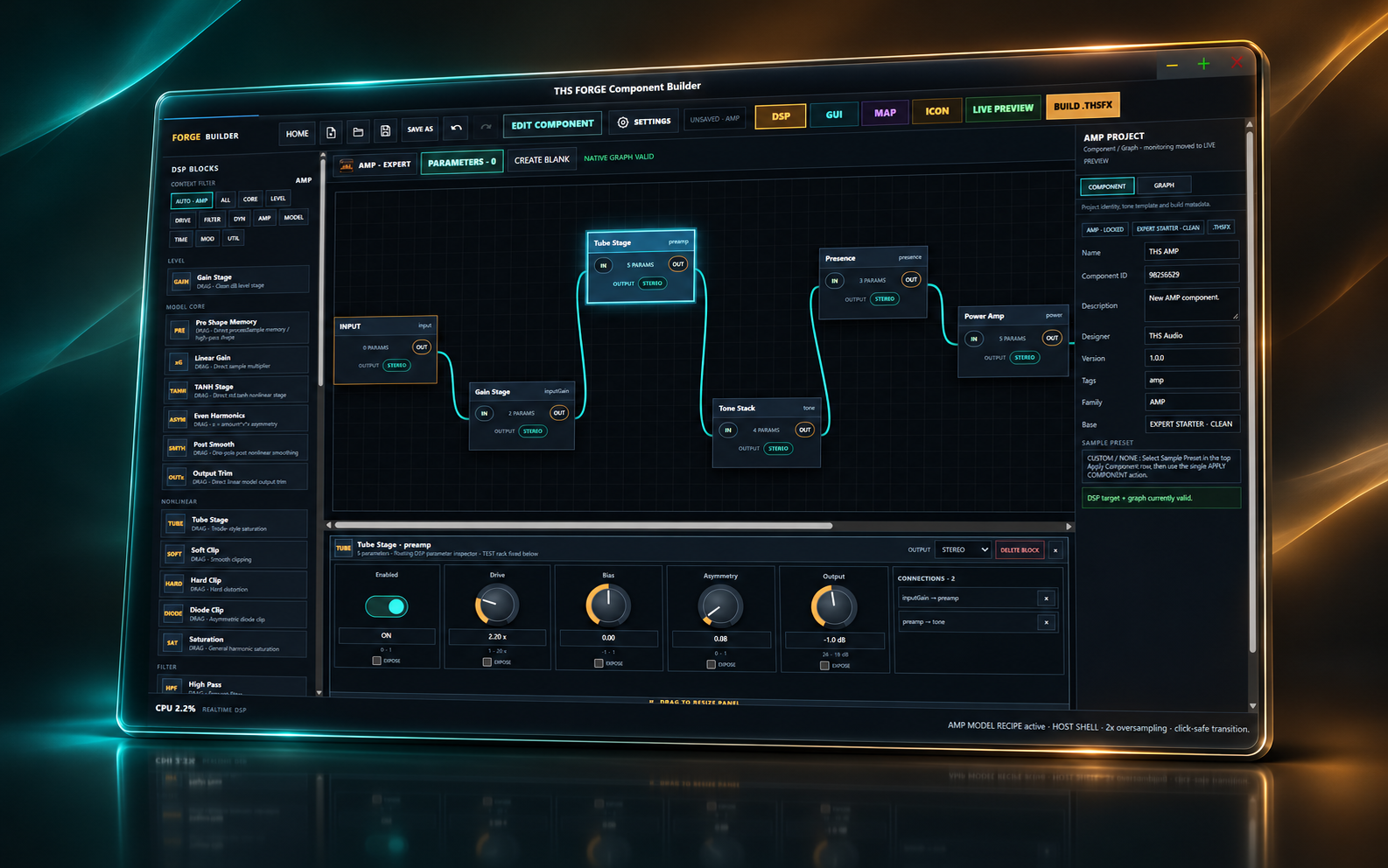
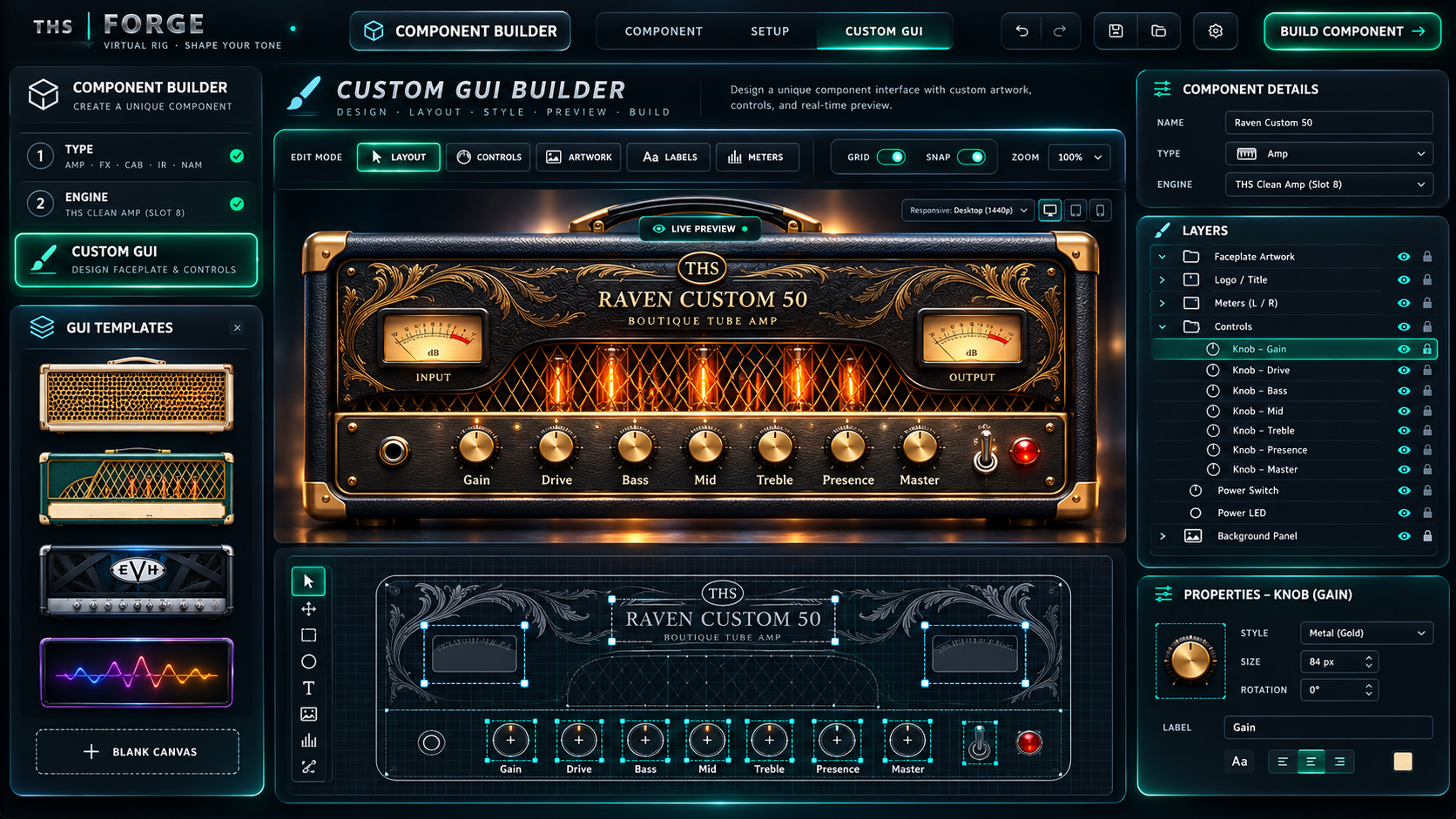
Start with Forge Host, then take your rig further with Component Builder. Make your own sounds, customize the controls and use your creations in the same platform. Both apps are included.
Your guitar tone workspace, ready to shape.
Arrange, reorder and bypass amps and effects in a flexible signal chain.
Load compatible NAM A1/A2 captures and cabinet IRs from your own collection or external creators, subject to their licenses.
Blend up to four impulse responses to shape your speaker sound.
Build with drive, EQ, compressor, gate, modulation, delay, reverb and more.
Use custom effects and interfaces exported from Component Builder.
Save and recall your rigs, settings and favorite combinations.
Use the available Windows Host as a standalone app or VST3 plug-in.
Turn an idea into a playable component.
Begin with ready-made templates or work with deeper amp and drive controls.
Build with one, two or four cabinet IRs and dial in the blend.
Create EQ, compressor, gate, chorus, flanger, delay, reverb and other effects.
Arrange knobs, switches, meters, labels and custom artwork on your own interface.
Test your sound with live input or supported audio files before exporting.
Save editable designs, refine the tone and return whenever inspiration strikes.
Export your completed component for use in your own Forge signal chain.
Build your tone in Component Builder. Play it in Forge Host. No separate Builder checkout.
Choose the setup that fits your workflow. These configurations are practical estimates for Forge Host and Component Builder, not verified minimum hardware limits.
For smaller rigs and lighter NAM models.
For more complex rigs, larger models and low-latency sessions.
Windows 10 / 11, 64-bit. Current x64 packages.
Check Downloads for available Mac builds and supported processors.
Windows Host: Standalone / VST3. Builder: Standalone.
Package availability and compatibility vary by release.
Hardware figures above are suggested configurations rather than benchmark-verified requirements. Larger NAM models and lower audio buffer sizes may need more resources. Verify your operating system and available build on the Downloads page.
Buy THS Forge once and receive access to Forge Host and Component Builder. Download and activate each app separately in THS App Manager.
Download both apps using THS App Manager. Design a component in Builder, then load it into Host to shape your rig and play.
Yes. THS Forge includes Host and Component Builder with one purchase. You activate them separately in THS App Manager.
Yes, the current Windows Host package includes a standalone app, plus VST3 for compatible DAWs. Builder is a separate standalone application.
Forge supports compatible NAM and cabinet IR files. Models from third-party creators may require a separate download and are subject to their own licenses.
Internet is required for downloading and account activation. External NAM/IR files may be downloaded from third-party sources separately; Builder exports may also require online license verification.
Explore tutorials, sample sounds and demos on the THS Production YouTube channel before you decide.
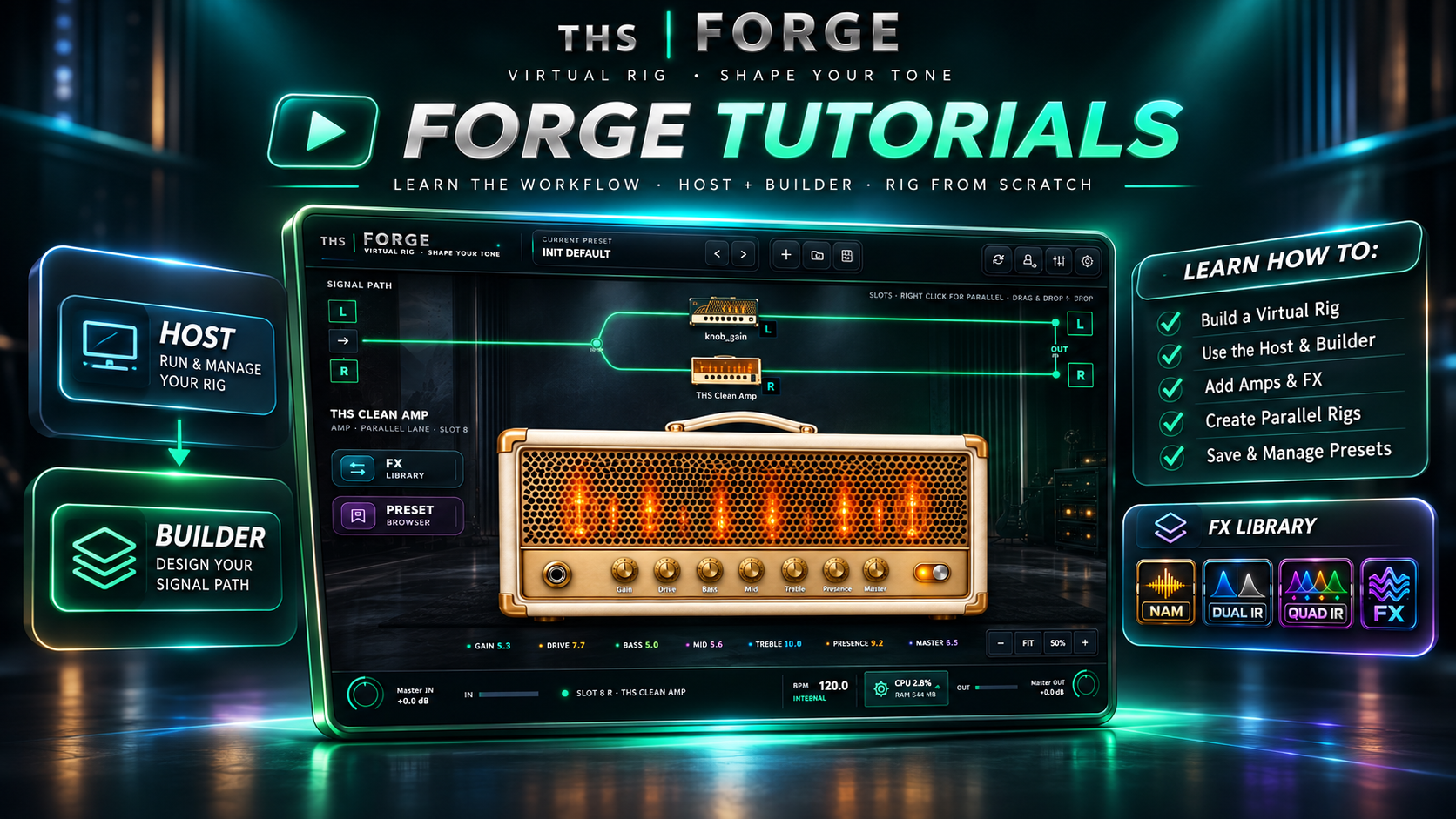
Browse tutorials for designing components and building guitar rigs.
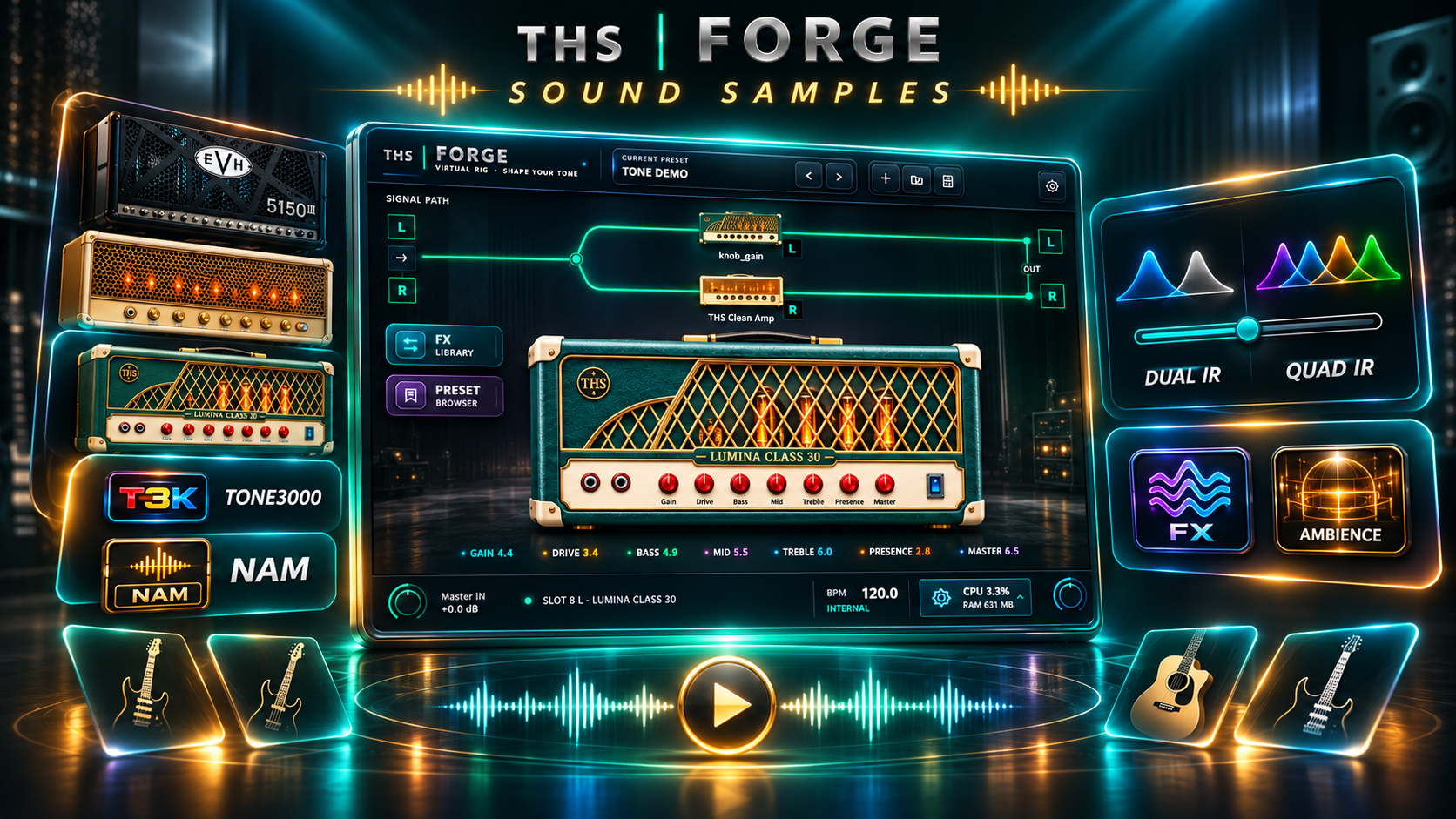
Find demos of guitar tones, NAM models and cabinet IRs.
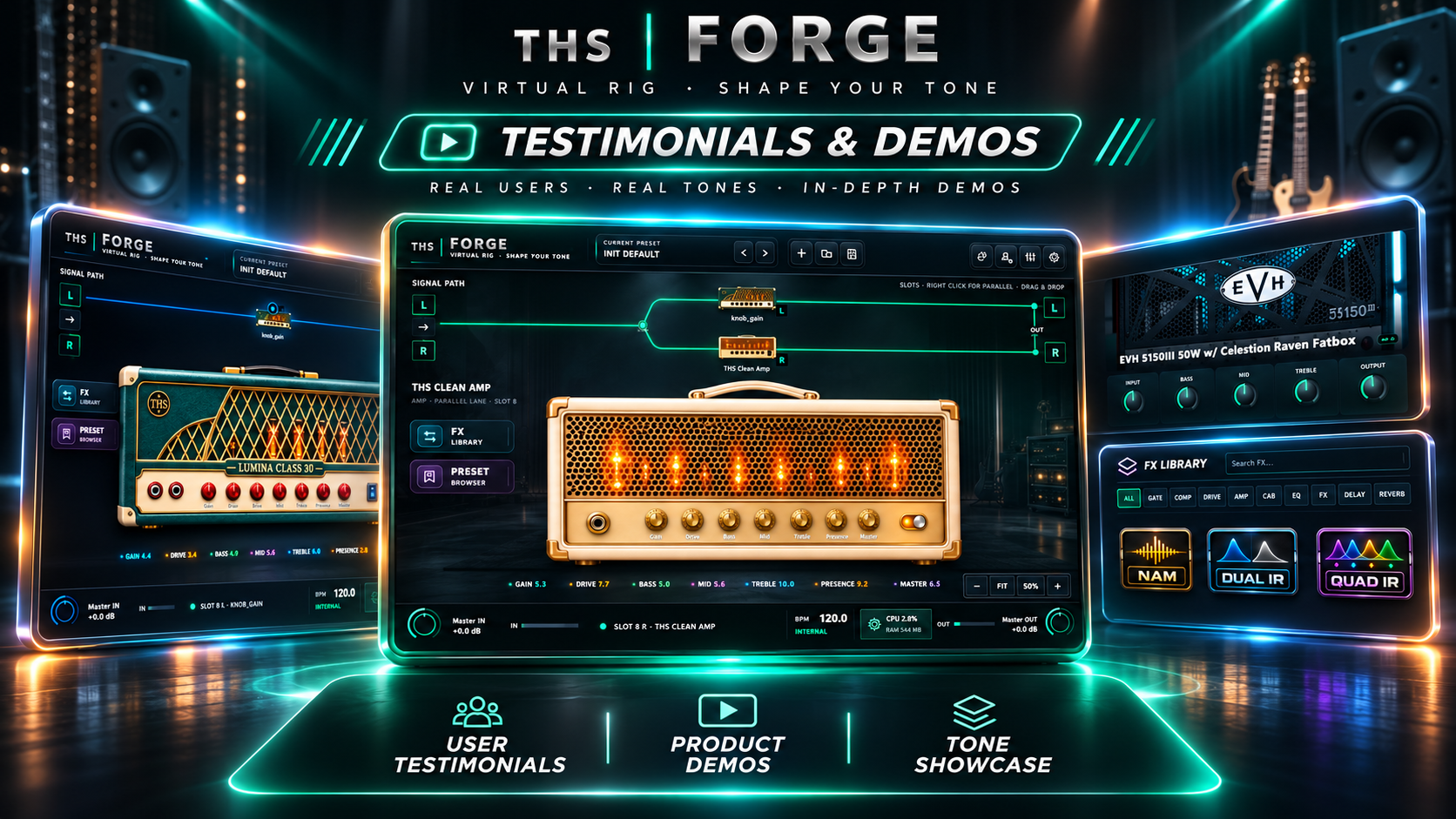
Explore practical demonstrations from the channel.
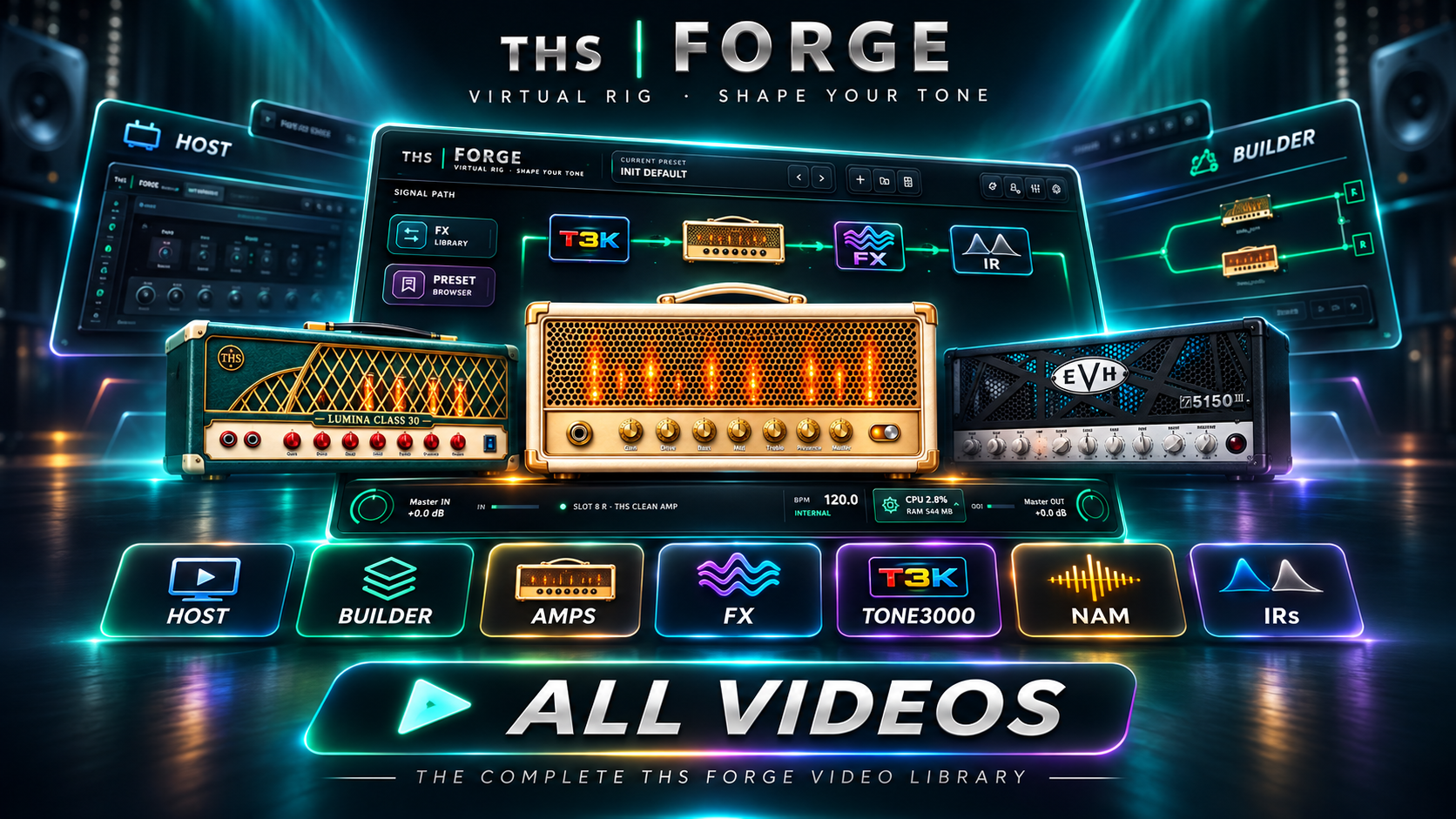
Watch more music production tips, gear demos and product previews.
Discover new sounds, design your own effects and create rigs you love to play. Host + Component Builder included.